Gear & Reviews
The Signal: what has landed on Psychedelic Island
Four logs from a field station: a signal at 142 BPM, two carriers, a crop circle. And in the end an instrument that fits in a browser tab.
What an AI synth really is, how Synplant 2 grows patches from samples, and which AI tools for mixing, mastering and stem separation are worth a look for psytrance.
An AI synth is a synthesizer that uses machine learning to build the patch for you. You give it a sound, it searches for synth settings that recreate it, or it grows variations you pick by ear. The best-known example is Synplant 2 by Sonic Charge.
Around the AI synth, a whole set of AI-assisted tools now handles mixing, mastering and stem separation. Here is what they actually do, which ones we checked on their official pages, and where they help or get in the way when you produce psytrance.
The term is used for three different things, and it pays to keep them apart.
For sound design, the first two are the interesting ones, because you end up with a patch you can automate, layer and tweak. Generative audio works more like a sample library that writes itself.
Synplant 2 is a sound-matching synth. Its Genopatch feature uses machine learning to search for synth settings that match a sample you give it. You watch the branches grow, and the patches they produce get closer to the source with each step. Sometimes you get a near match, sometimes something unexpected, and both can be useful.
Sonic Charge says Genopatch runs entirely on your own computer and needs no internet connection. On macOS, Synplant 2 comes as a standalone app and as a VST 2.4, VST3 and Audio Unit plugin. On Windows there is no standalone version: you run it as a VST 2.4 or VST3 plugin in your DAW. A three-week trial lets you test it on your own material. We looked at it in detail in our Synplant 2 review.
For psytrance it works best with organic sources: a vocal phrase, a field recording, a single percussion hit. Turn it into a pad, a texture or a strange lead, then edit the genes until it sits in the track.
The second big group are assistants that analyse your audio and suggest a starting chain. They don't write music. They set up processing that you then adjust.
Stem separation splits a finished stereo file into parts. It used to need separate software. Now the big DAWs have it built in.
Keep your expectations realistic for psytrance. The stem types are vocals, drums and bass, plus guitar and piano in Logic. Leads, acid lines, FX and pads, which make up most of a psy track, all land in the "other" stem. That is fine for remix sketches, DJ edits or studying how a kick and bass sit together. Pulling a clean lead out of a dense full-on mix is another story.
Generative models create sound directly. Stable Audio 2.0 from Stability AI generates audio from a text prompt, up to full tracks of three minutes, and can transform an uploaded sample with a text description. Stability AI says the model was trained on a licensed dataset from the AudioSparx library, and that AudioSparx artists could opt out.
Inside the DAW, finding and generating are moving closer together. Ableton Live 12.3 has Splice built into its browser, and Search with Sound takes a clip you select and suggests samples that match its style and rhythm. Logic Pro's Session Players, including a Synth Player, play bass, synth, keyboard and drum parts that follow your chord track.
Used well, they save time in the boring parts. A quick assistant master lets you test a track on a big system the same evening. Masking tools show you why your bass and kick fight. Stem separation helps you take apart reference tracks to learn arrangement, as we suggest in our guide to learning from classic tracks.
The limits are just as clear. Psytrance lives on the relationship between kick and bass, and that is usually tuned by hand. An assistant does not know your groove. Genre profiles are built for broad categories, so use your own reference track from the label or artist you aim for. Always compare at matched loudness, because a louder master sounds better at first. And if everyone starts from the same assistant preset, tracks start to sound alike.
If you want to understand synthesis before you let a machine do it, start by hand. A free wavetable synth like Vital is a good place, see our Vital review, and our list of plugins for psytrance production covers the classic tools around it.
Training data. Tools differ in how open they are about what their models learned from. Stability AI names a licensed dataset for Stable Audio 2.0. Many services say less. If you plan to release music made with a generative tool, read what the provider says about training data.
Licence terms. For generated samples, the service's terms decide who may use the output and how. Check commercial use before a track goes to a label.
Your source material. Sound matching creates a new patch, but the sample you feed in is still someone's recording. Treat it with the same care you would give any sample.
Copyright in AI output. In the US, the Copyright Office concluded in January 2025 that prompts alone do not give enough control over the result to count as authorship. Human creative choices, such as selecting, arranging and modifying material, can be protected, and using AI as a tool does not by itself block protection. Rules differ between countries.
A synthesizer that uses machine learning to create patches, either by matching a sound you give it or by generating variations. You still get an editable synth patch, unlike generative tools that output finished audio.
Yes. Its Genopatch feature uses machine learning to find synth settings that match a sample. It runs offline on your computer, on macOS as standalone or plugin and on Windows as a VST plugin.
It can give you a solid starting point. Ozone's Master Assistant, LANDR and the mastering tools in Logic Pro and FL Studio all analyse your mix. For a release, use a reference track from your style and check the result at matched loudness.
Yes, with Logic Pro, Ableton Live 12.3 Suite or FL Studio. Vocals, drums and bass separate as their own stems; most synth parts end up together in the "other" stem.
That depends on the licence of the tool you used. Read its terms on commercial use, and keep in mind that copyright rules for AI output differ between countries.
Four logs from a field station: a signal at 142 BPM, two carriers, a crop circle. And in the end an instrument that fits in a browser tab.
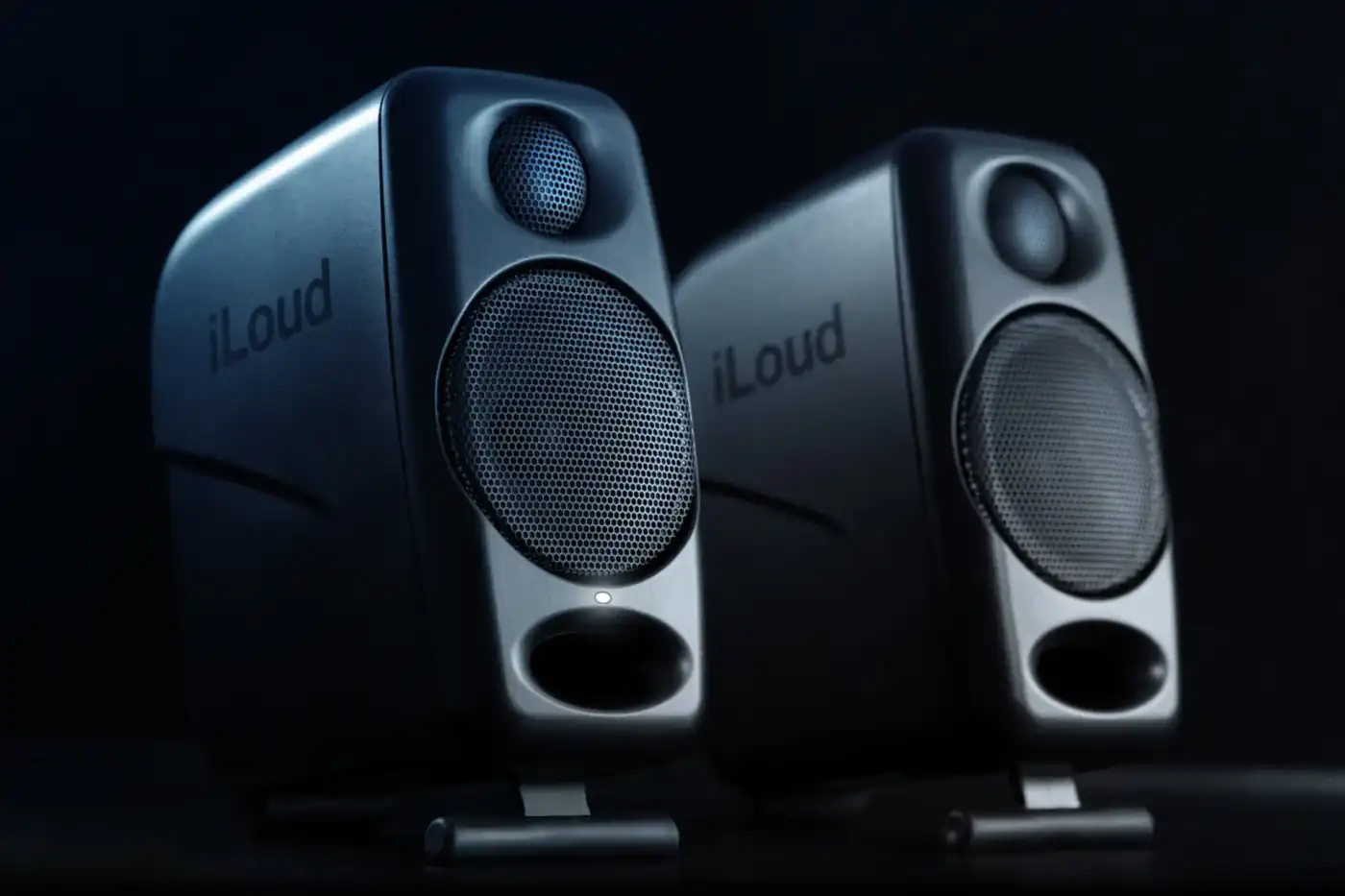
Compact size, 50 W RMS, DSP, Bluetooth and room EQ: what the IK Multimedia iLoud Micro Monitor speakers offer producers working at home or on the road.
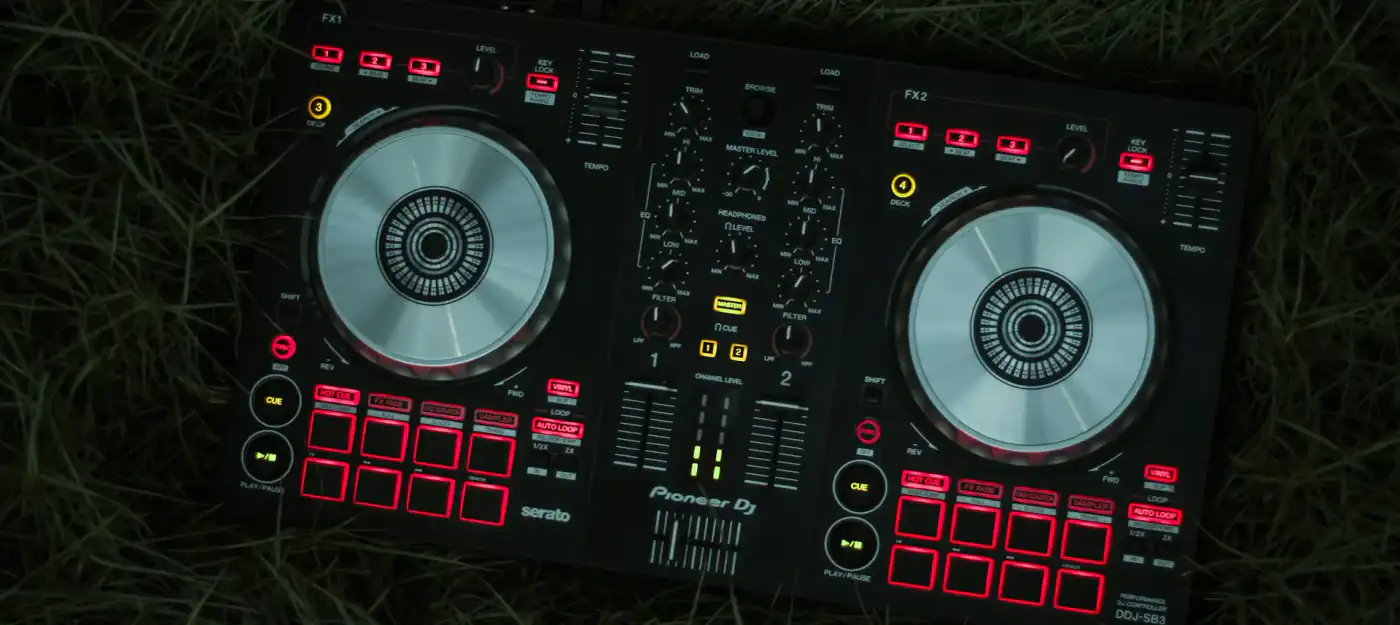
A look at the Pioneer DDJ-SB3: layout, jog wheels, Pad Scratch with DJ Jazzy Jeff, FX Fade, performance pads, Serato integration and connections.