Gear & Reviews
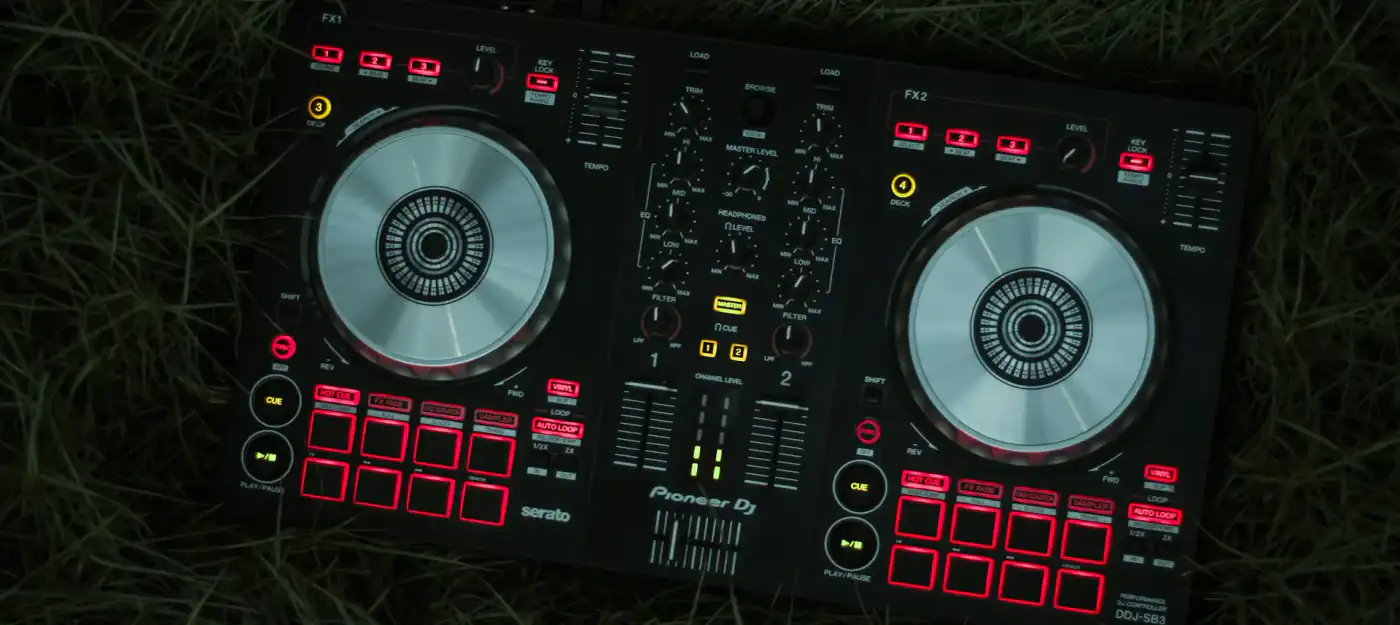
Pioneer DDJ-SB3: compact Serato controller reviewed
A look at the Pioneer DDJ-SB3: layout, jog wheels, Pad Scratch with DJ Jazzy Jeff, FX Fade, performance pads, Serato integration and connections.
Synplant 2 uses AI to turn recordings into synth patches and lets you grow new sounds from seeds. How it works, what's included and how easy it is to use.
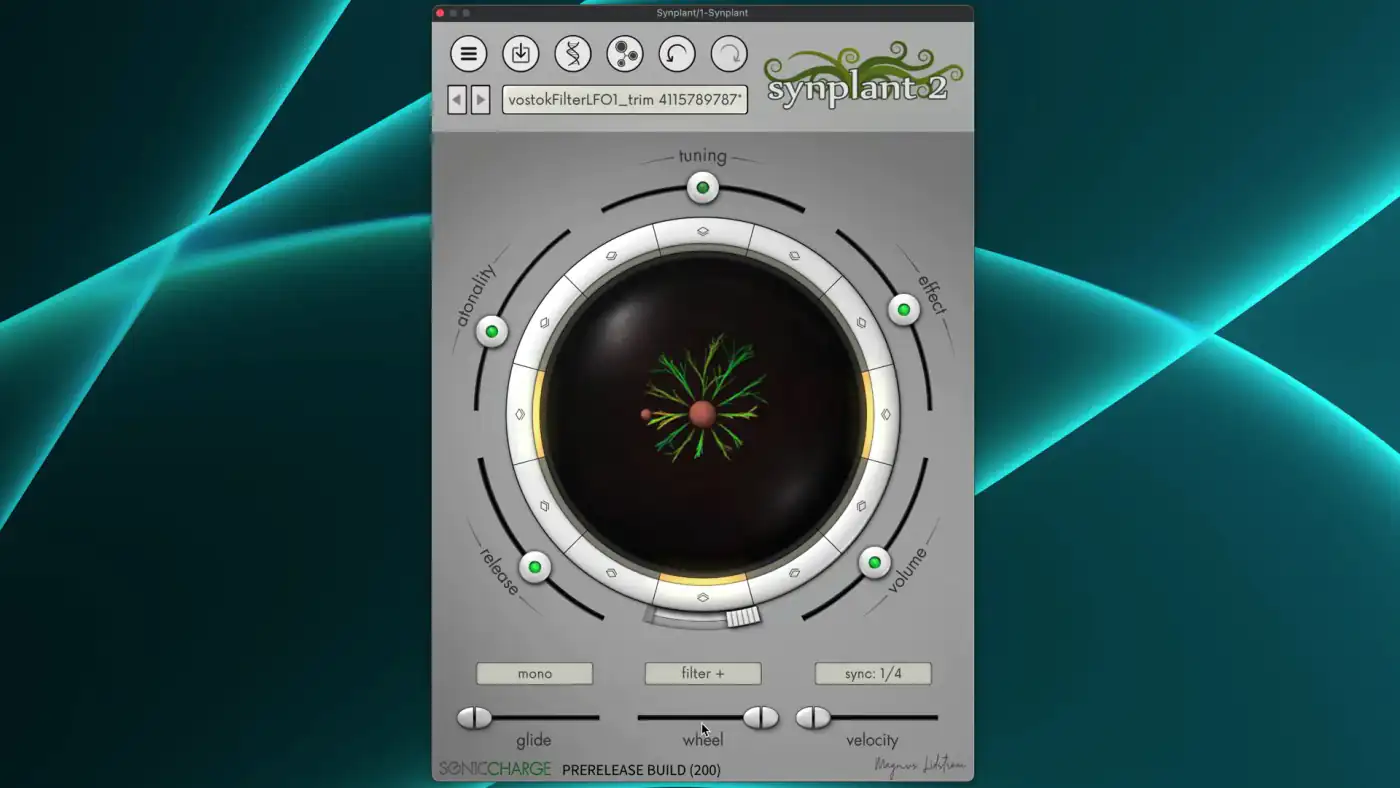
Synplant 2 goes a big step beyond samplers that only stretch or repitch your recordings. It uses artificial intelligence to find synth settings that recreate a given sound, and then lets you grow new sounds from it.
Synplant 2 combines two worlds. Sampling turns recorded sounds into playable instruments: you can play them back at different pitches and shape them with a range of settings. Synthesis builds sound from basic building blocks such as waveforms, and can create sounds a sampler can't. Synplant takes a recording as its starting point but turns it into a synth patch.
Magnus Lidström, who created the original Synplant in 2009, says the new version offers new ways to make organic sounds with a sense of surprise and personality. The DNA view plays a central part in this: it shows a range of parameters you can manipulate, often with unpredictable results.
The new Genopatch feature is especially useful with vocals. By removing certain modulations, you can turn a vocal sample into a pad or an atmospheric texture, something a traditional sampler can't do.
Instead of turning knobs, you grow sounds. You start from a random seed, an existing patch or a sound made with Genopatch. Each seed grows branches, and each branch is a variation of the sound. You can grow or clone any branch, and the result can change slightly or completely.
So working with Synplant is mainly about listening and reacting to what you hear. For fine-tuning there is the Manipulate Genes function, opened with a dedicated button or by right-clicking a gene helix. It shows a DNA-style window where you can edit each of the 37 genes that control the sound. The range is surprisingly wide: from basics such as filter and oscillator types to atonality, velocity sensitivity and wheel scaling, which changes how far the mod wheel moves you along a branch. You can get complex, varied sounds out of it even without experience on other synths.
Genopatch uses AI to find synth settings that match your source audio. As the strands in the interface sprout and grow, the patches they produce come closer and closer to the chosen sound. Sometimes you get an almost perfect match, sometimes something completely new and unexpected. That mix of precision and chance is what makes it a good tool for experimenting. The Genopatch engine runs entirely on your computer, so it works offline.
The results are expressive and musical. The included preset bank covers pads, keys, bells, leads, FX, atmospheres and basses, aimed at ambient, electronic, cinematic and neoclassical music. Synplant 2 ships with hundreds of patches, and more are available for download after purchase. There is also a set of drum patches created with machine learning from recordings of 10 classic hardware drum machines.
Other new features in version 2: a rewritten audio engine, alternative ways to trigger branches, tempo sync, automatable genes, a layer mode and polyphonic play modes with portamento. Owners of Synplant 1 can upgrade for $50/€50.
Browsing presets and growing new branches is easy and fun. The deeper editing is another matter: the interface is not for everyone, and you will probably need to adjust your workflow a bit, because Synplant breaks a few habits. Specific parameters, for example, are hard to reach. But for around $150 you get a decent source of inspiration for your tracks.
A look at the Pioneer DDJ-SB3: layout, jog wheels, Pad Scratch with DJ Jazzy Jeff, FX Fade, performance pads, Serato integration and connections.
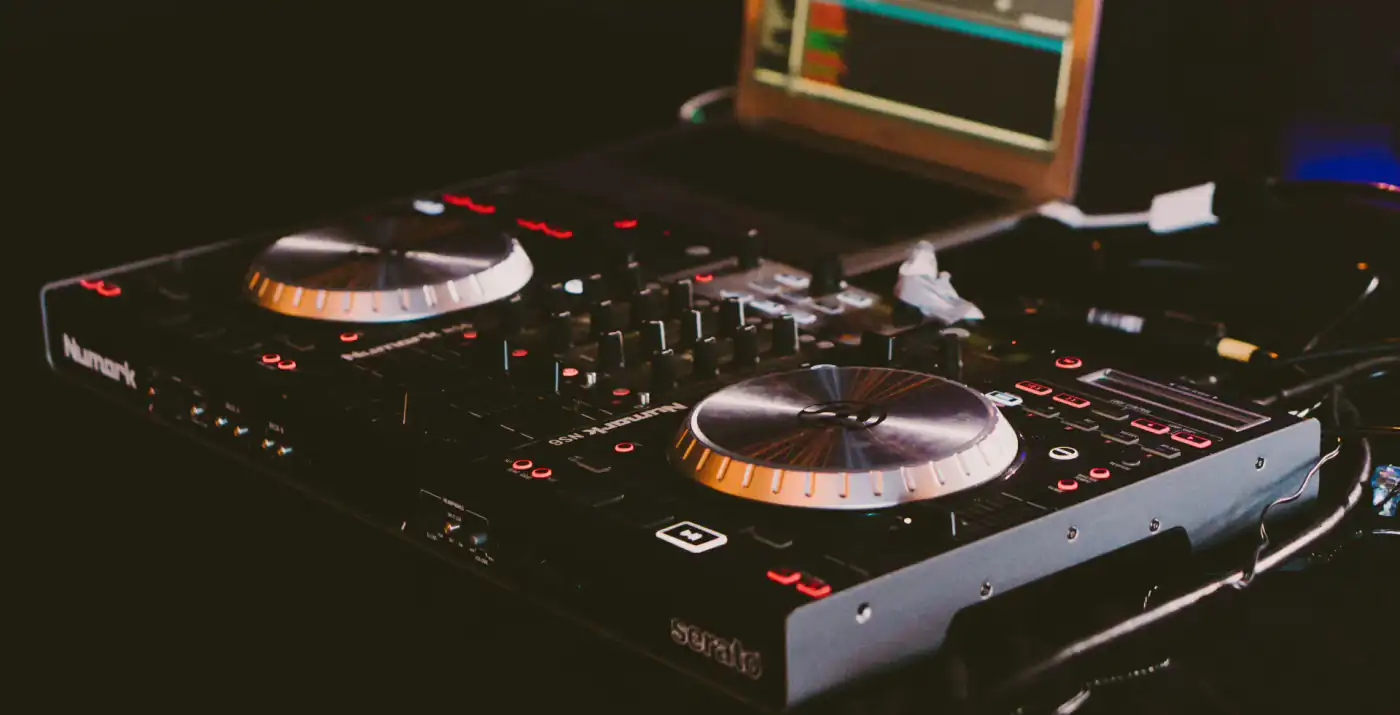
Touch platters, a four-channel mixer, hot cues, Strip Search and Serato DJ integration: what the Numark NS6 offers and how to use it in a set.
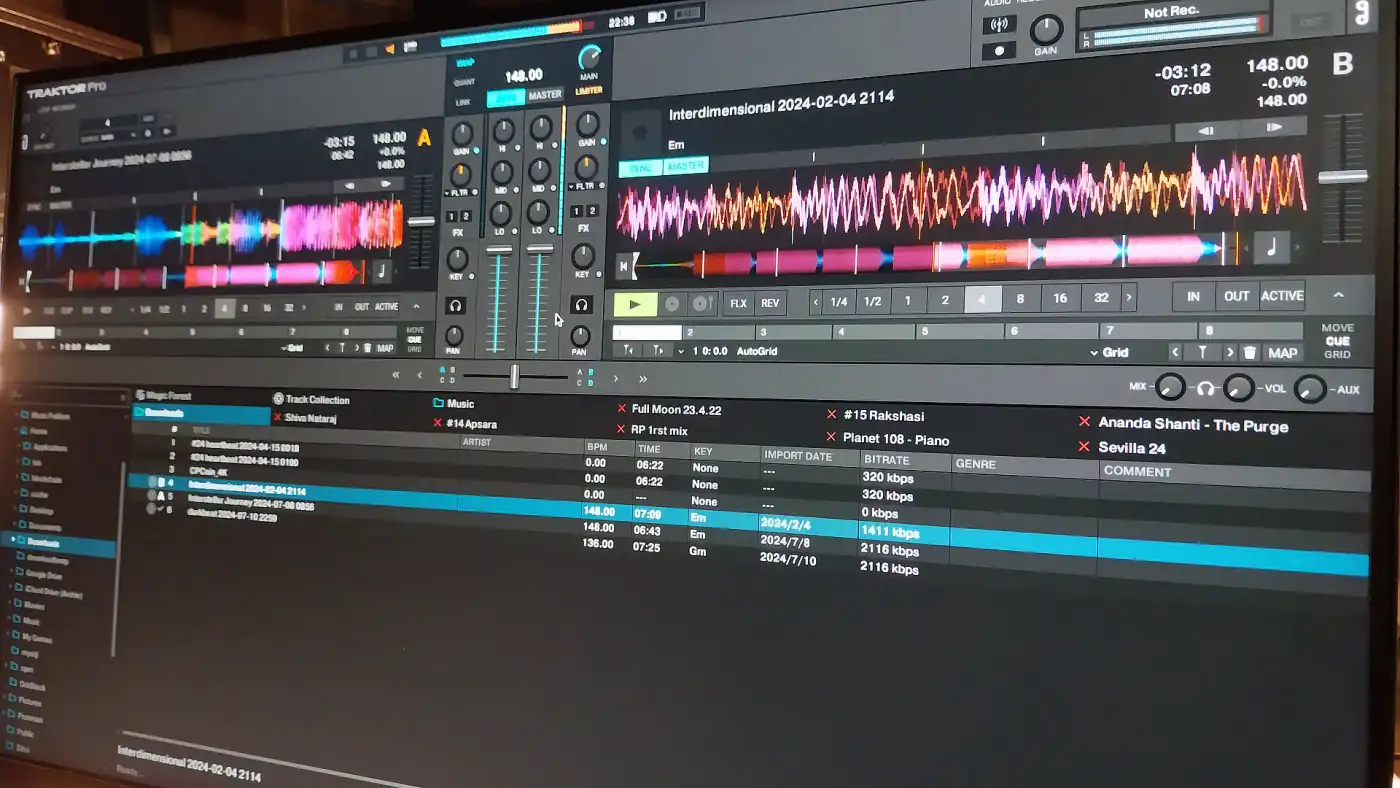
Decks and stem modes, sync and beatgrid, effects, loops, DVS and MIDI mapping: what Native Instruments’ Traktor can do and how its main features work.