Gear & Reviews
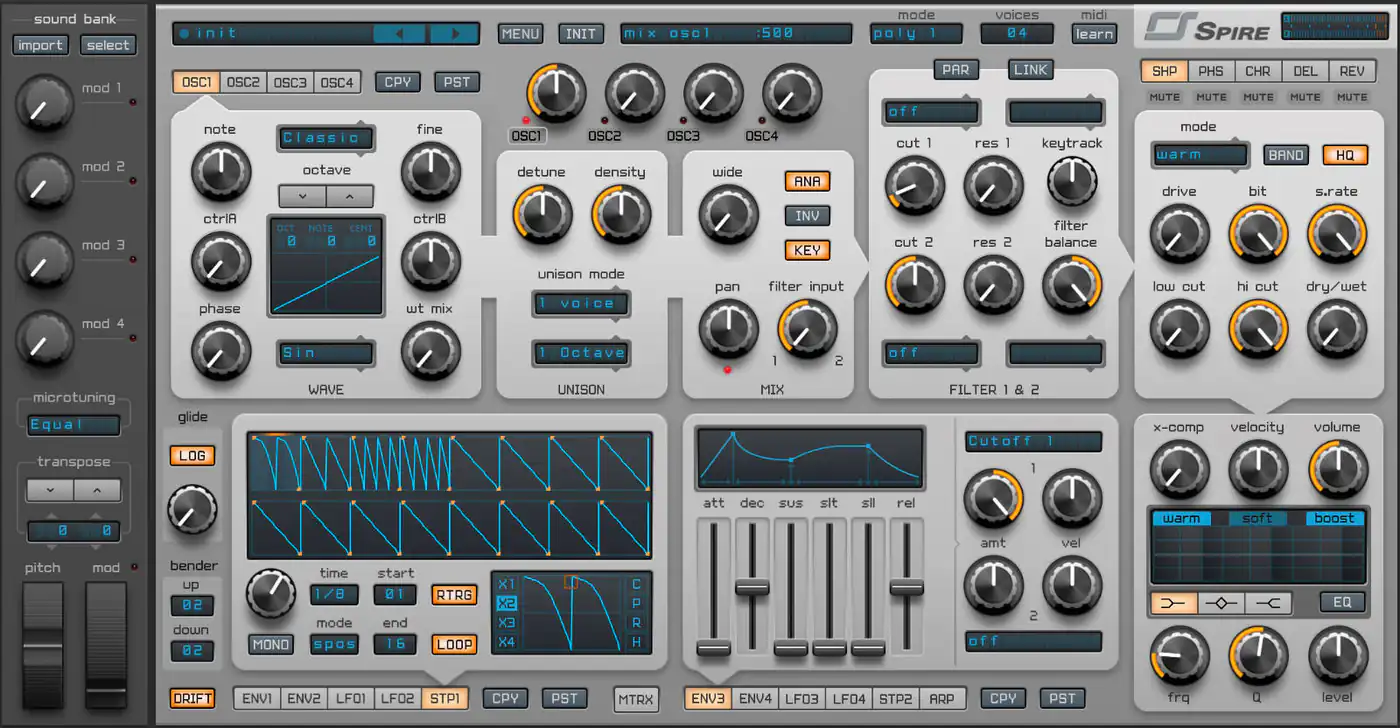
Reveal Sound Spire: the must-have synth plugin
A hands-on review of Spire: four multimode oscillators, wild filters, simple but great-sounding effects and deep modulation, from someone who uses it on most tracks.
A look at the Pioneer DDJ-SB3: layout, jog wheels, Pad Scratch with DJ Jazzy Jeff, FX Fade, performance pads, Serato integration and connections.
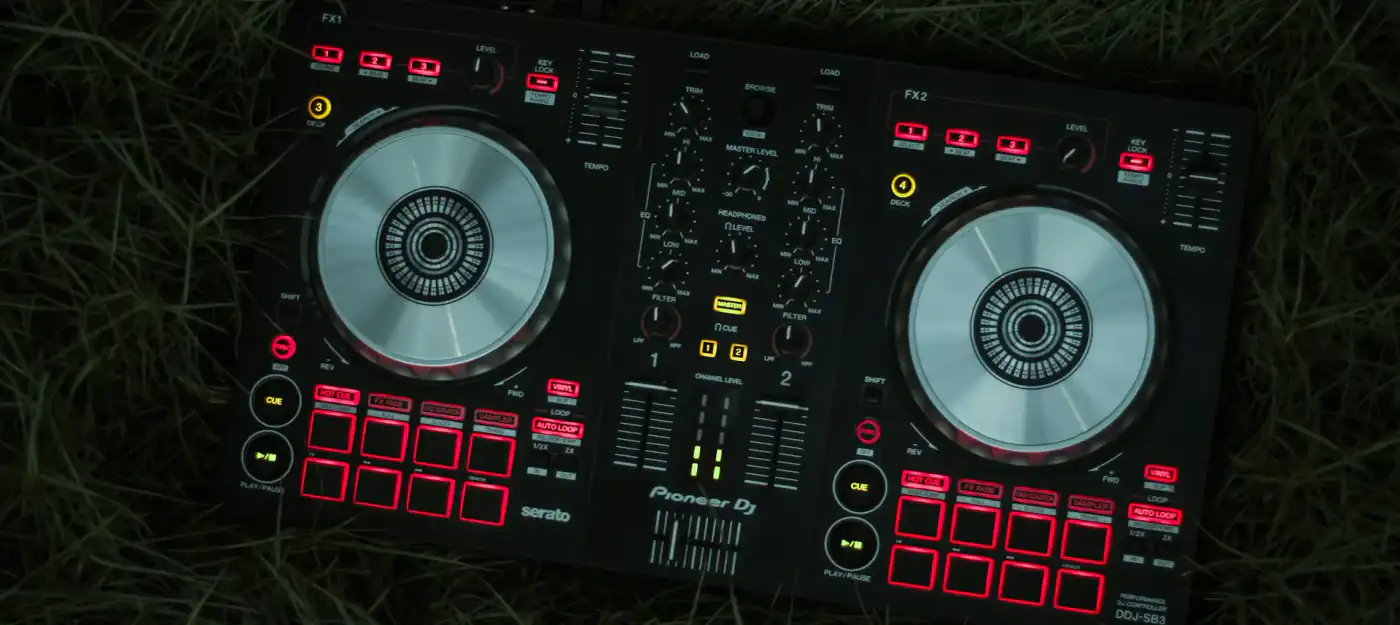
The Pioneer DDJ-SB3 is a compact two-channel DJ controller for Serato DJ Lite. It is aimed mainly at beginners, but its performance features make it interesting for more experienced DJs who want a small, portable setup. Here is what it offers.
The DDJ-SB3 is built to be carried around and used often. The layout is clear, with all the essential controls within easy reach, so you can find your way around quickly even if it is your first controller.
At its centre are two low-latency jog wheels. They respond precisely for scratching and pitch bending and give a tactile feel that comes close to working with vinyl.
The best-known feature of the DDJ-SB3 is Pad Scratch, developed together with DJ Jazzy Jeff. It lets you trigger scratch routines with a performance pad. There are eight different scratch patterns, which you can trigger and manipulate in real time. That way you can add scratches to your sets even if you have never learned to scratch by hand.
FX Fade combines an effect with the volume change of the channel fader. As you pull the fader down, the effect is applied at the same time, which makes for smooth transitions between tracks and helps keep the energy and flow of a set.
The controller has 16 performance pads, eight per deck. You can use them for hot cues, loops, samples and Pad Scratch. They react quickly and give you precise control over these elements.
The DDJ-SB3 is designed for Serato DJ Lite and works plug and play, with very little setup. If you want more, you can upgrade to Serato DJ Pro, which unlocks additional functions such as more effects, advanced loop options and extra performance pad modes.
The controller connects to your computer via USB, and the same cable powers it. One cable, no power supply: that keeps the setup simple and the connection reliable.
A built-in audio interface handles the sound. There is a master output for connecting to a PA system and a headphone output for monitoring and cueing the next track.
The Pioneer DDJ-SB3 is a solid, easy-to-learn controller with a clear layout and useful performance features. Pad Scratch and FX Fade in particular make it more than a simple entry-level device. If you want a compact controller for Serato that covers transitions, scratching and live remixing, it is a good choice, both as a first controller and as a portable setup.
A hands-on review of Spire: four multimode oscillators, wild filters, simple but great-sounding effects and deep modulation, from someone who uses it on most tracks.
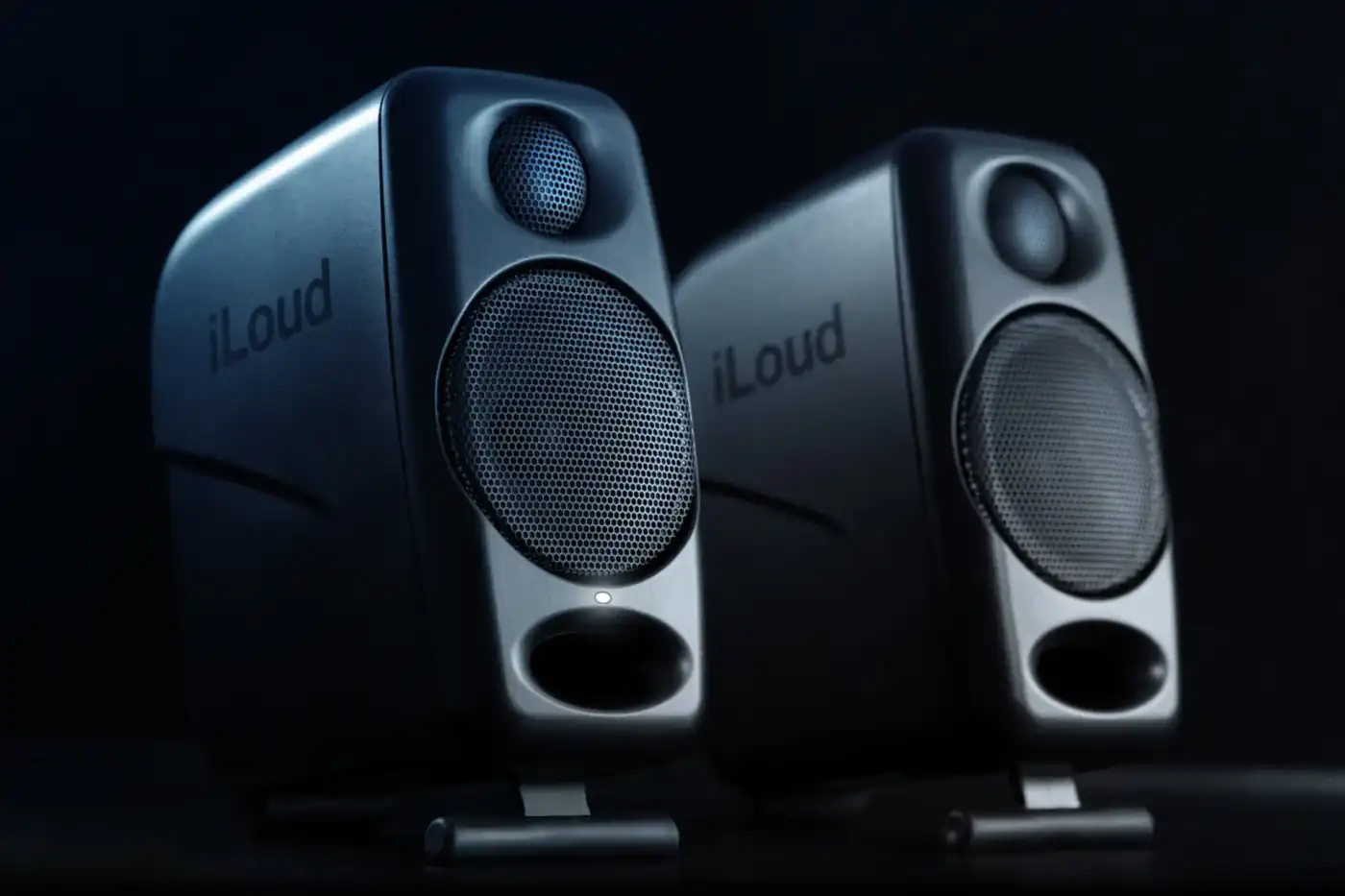
Compact size, 50 W RMS, DSP, Bluetooth and room EQ: what the IK Multimedia iLoud Micro Monitor speakers offer producers working at home or on the road.
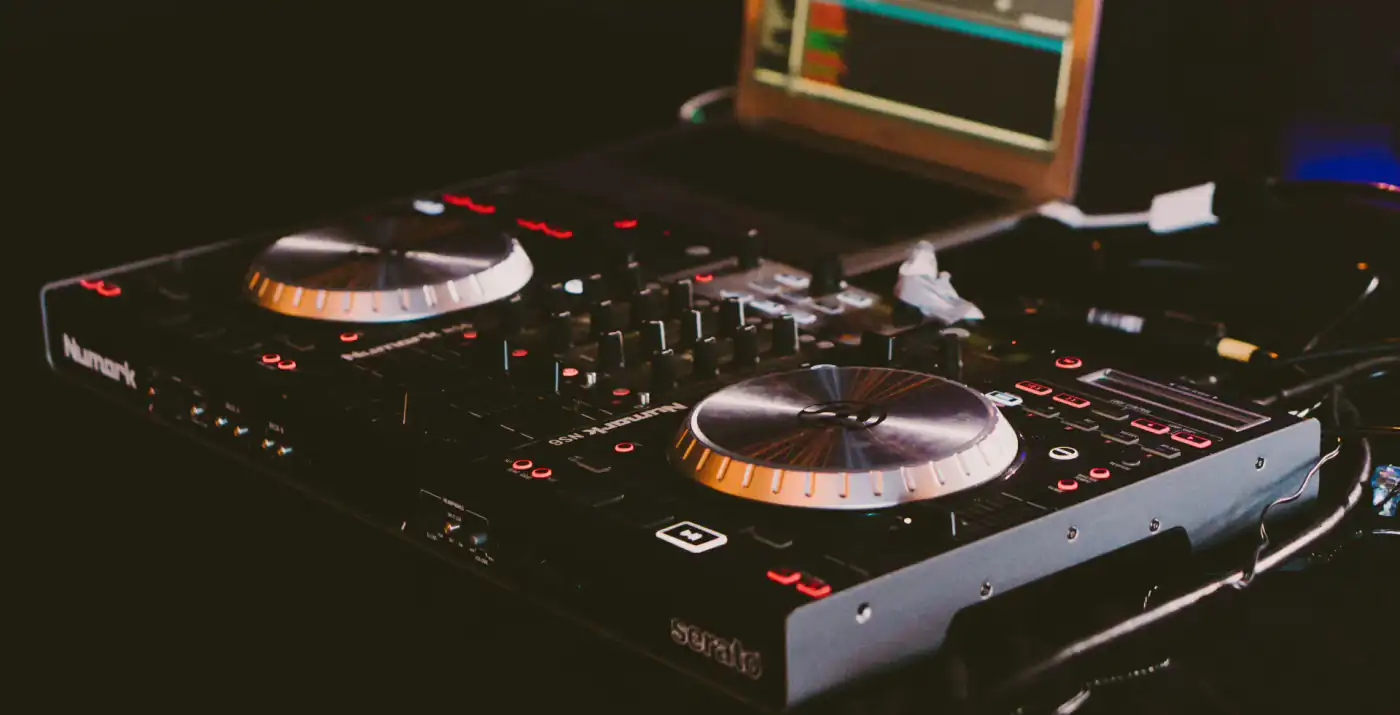
Touch platters, a four-channel mixer, hot cues, Strip Search and Serato DJ integration: what the Numark NS6 offers and how to use it in a set.