Gear & Reviews
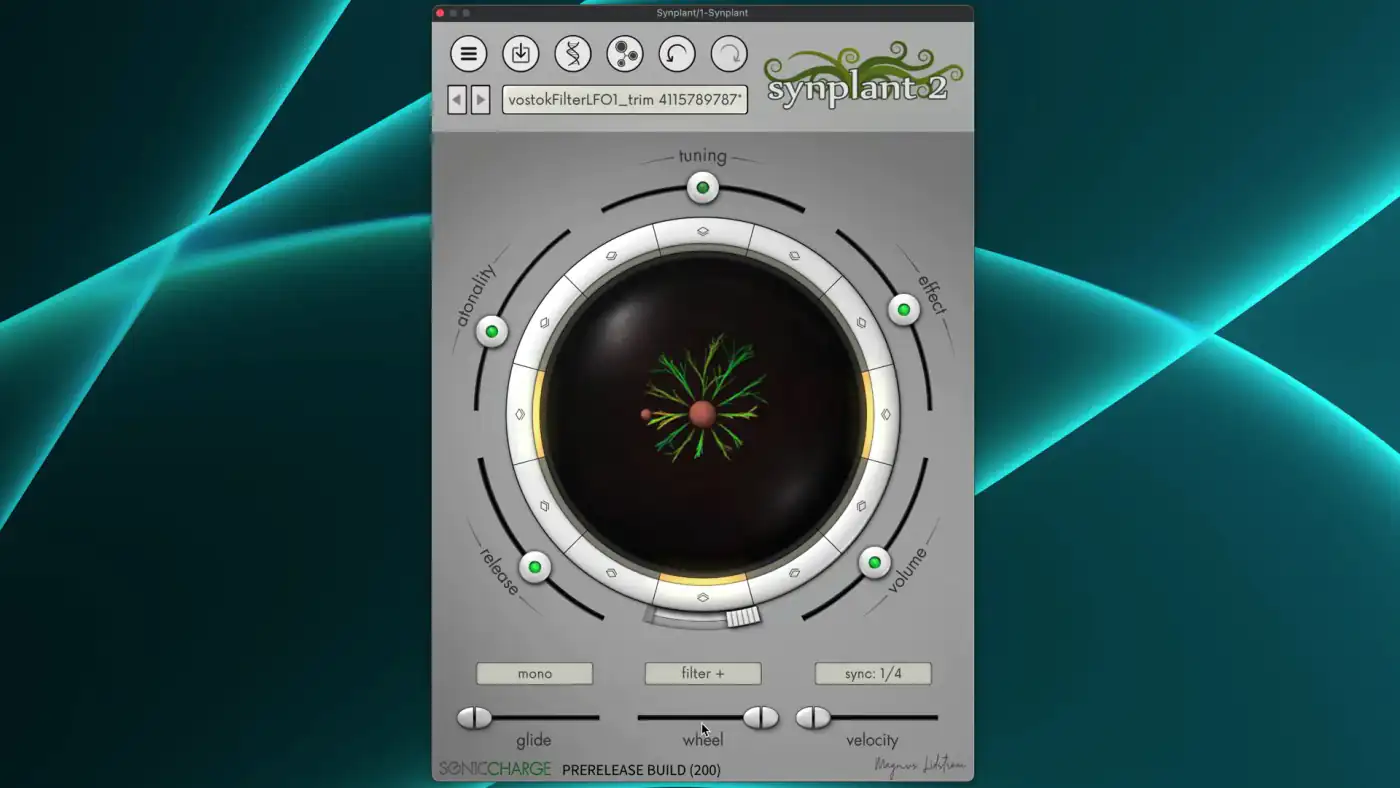
Synplant 2: the synth that grows sounds from your samples
Synplant 2 uses AI to turn recordings into synth patches and lets you grow new sounds from seeds. How it works, what's included and how easy it is to use.
Vital is a free spectral-warping wavetable synth by Matt Tytel that runs on Windows, macOS and Linux. What the free and paid tiers include, how it compares to Serum 2, and how to use it for psytrance.
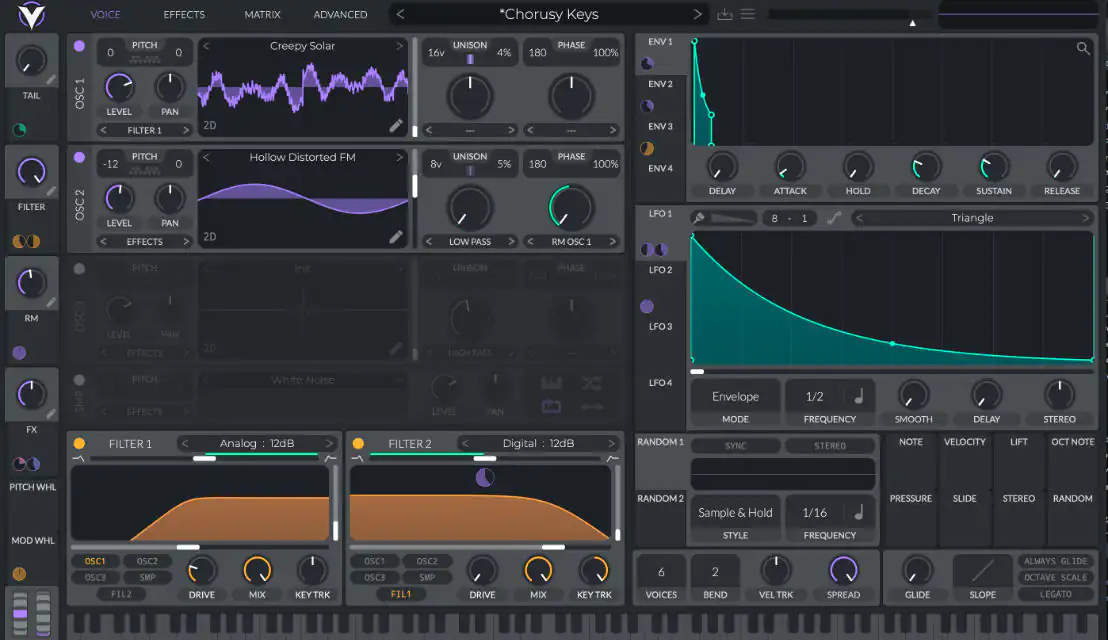
Vital is a wavetable synthesizer plugin by Matt Tytel, the developer behind the free synth Helm. Its Basic version is free and includes the full synth with no feature limits; the paid tiers add presets, wavetables and unlimited text-to-wavetable. It runs on Windows, macOS and Linux.
For psytrance producers, Vital covers almost everything you need: tight rolling basses, moving leads and strange FX. It is not the most feature-packed wavetable synth any more, since Serum 2 arrived in 2025, but it is the strongest free option we know. Here is what you get and how to use it.
Vital is a "spectral warping" wavetable synth that appeared at the end of 2020. Like other wavetable synths, it plays through tables of single-cycle waveforms and lets you sweep between them. On top of that it can warp the waveform's spectrum, which gives you a wide range of timbres from a single table.
Vital is also open source: its code is published on GitHub under the GPLv3 licence. The official builds come from vital.audio, and the GitHub version is updated with a delay. If you just want to make music, download it from the official site.
The sound engine is the same in every version. What changes is the content and some services. According to vital.audio:
Plus and Pro are one-off purchases, the subscription is monthly. Check vital.audio for current prices. If you design your own sounds, the free version is enough.
Vital needs a 64-bit system and OpenGL 3 or higher. The official site lists Windows 10 and higher, macOS 10.15 and higher on Intel or Apple Silicon, and Ubuntu Linux 18.04 and above. KVR's product listing names VST, VST3, Audio Unit, CLAP and LV2 formats plus a standalone app. AAX is not listed, so Pro Tools users cannot load it directly. It works in Ableton Live, FL Studio, Bitwig, Reaper, Logic and other DAWs that load these formats.
Oscillators. Three wavetable oscillators, each with spectral morph and wave morph modes (MusicTech counts 15 spectral and six wave morph modes), plus FM and ring modulation between them. A fourth sample oscillator lets you add noise or your own audio.
Filters. Two filters, each with a choice of 32 filter types and drive, so you can go from smooth analog-style low-pass to formant and comb sounds.
Modulation. Up to six envelopes, eight LFOs and two random modulators with sources such as Perlin noise, a Lorenz attractor and sample and hold. You drag a modulation source onto any knob, and Vital shows the modulation as an animated ring. You can redraw the shape of each modulation with mod remap, and LFOs can run at audio rate.
Wavetables. A built-in wavetable editor, import of your own samples as wavetables, and text-to-wavetable: type a word or phrase, and Vital turns it into a wavetable.
Effects. A rack that includes a multiband compressor, delay, phaser, reverb and more, with good visual feedback on many of them.
Interface. Everything is animated, from the wavetable display to the filter curve, so you see what each tweak does. That is the main reason many people find Vital fast to learn.
Vital is often called a free Serum, and the comparison makes sense: both are wavetable synths with visual, drag-and-drop workflows. Since March 2025 the comparison is with Serum 2, a major update that Xfer Records released free for existing Serum owners. Serum 2 added sample, multisample, granular and spectral oscillators, new filter types and effects such as convolution reverb and a frequency shifter, and a clip sequencer.
MusicTech's side-by-side review sums it up well. Serum 2 has a separate sub and noise oscillator, more effects, split-band processing, an arpeggiator, a mixer page and more bundled wavetables, and it has moved ahead of Vital in nearly every area. Vital is often quicker to get to a finished sound, has a very generous modulation section and costs nothing. The reviewer also points out that Vital is maintained by a single developer, while Serum has a company behind it.
Our take: if you are starting out or want a second wavetable synth, use Vital. If you already own Serum, the free upgrade to Serum 2 is worth having. For psytrance basses and leads, the difference in sound is small; the difference in workflow and extras is bigger.
You do not need presets for psytrance basics. Start from the init patch and build these three sounds yourself.
Our article on building a psytrance bassline that rolls goes deeper into kick and bass timing.
More ideas are in how to design your own psytrance synth leads.
Vital gives you a modern wavetable synth with deep modulation, good filters and a clear interface for free, on all three major operating systems. It has fewer extras than Serum 2, but it covers everything you need for psytrance basses, leads and FX. Download the free version, learn it from the init patch, and only pay if you want more presets or want to support the developer. For more tools, see our overview of plugins for psytrance production.
Yes. The Basic version is free and includes the full synth with all features. Paid tiers (Plus, Pro and a subscription) add presets, wavetables, unlimited text-to-wavetable and other extras.
For core sound design, it comes close. Serum 2 has more oscillator types, more effects and extras such as an arpeggiator and clip sequencer, and reviewers rate it ahead overall. Vital is free, quick to work with and fully capable of professional psytrance sounds.
Yes. The official site lists Windows 10 and higher, macOS 10.15 and higher (Intel and Apple Silicon) and Ubuntu Linux 18.04 and above. It needs a 64-bit system and OpenGL 3.
Yes. Vital loads as a VST3 plugin in FL Studio, Ableton Live and other VST hosts, and as an Audio Unit in Logic. AAX is not listed, so Pro Tools cannot load it natively.
Yes. Its source code is published on GitHub under the GPLv3 licence. The official builds and presets come from vital.audio.
Synplant 2 uses AI to turn recordings into synth patches and lets you grow new sounds from seeds. How it works, what's included and how easy it is to use.
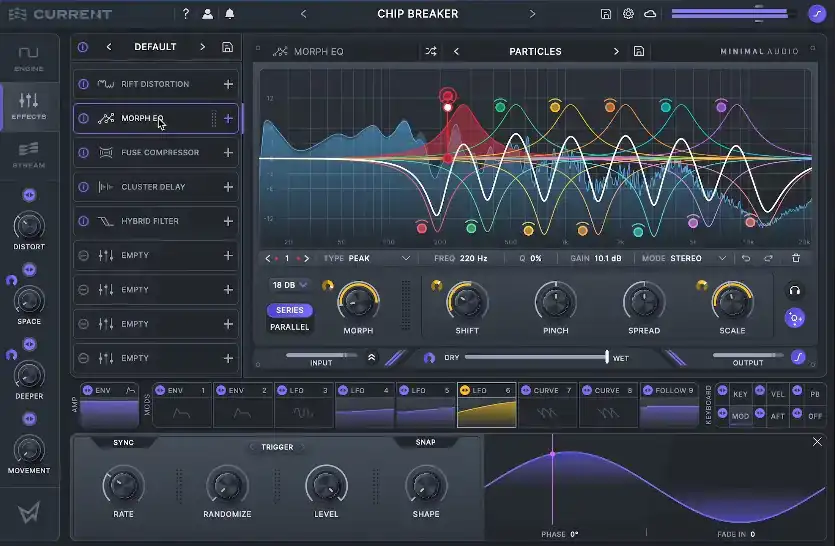
Spectral and granular engines, a sampler, a nine-slot effect rack and the Stream cloud library: what Minimal Audio's first synth Current offers psytrance producers.
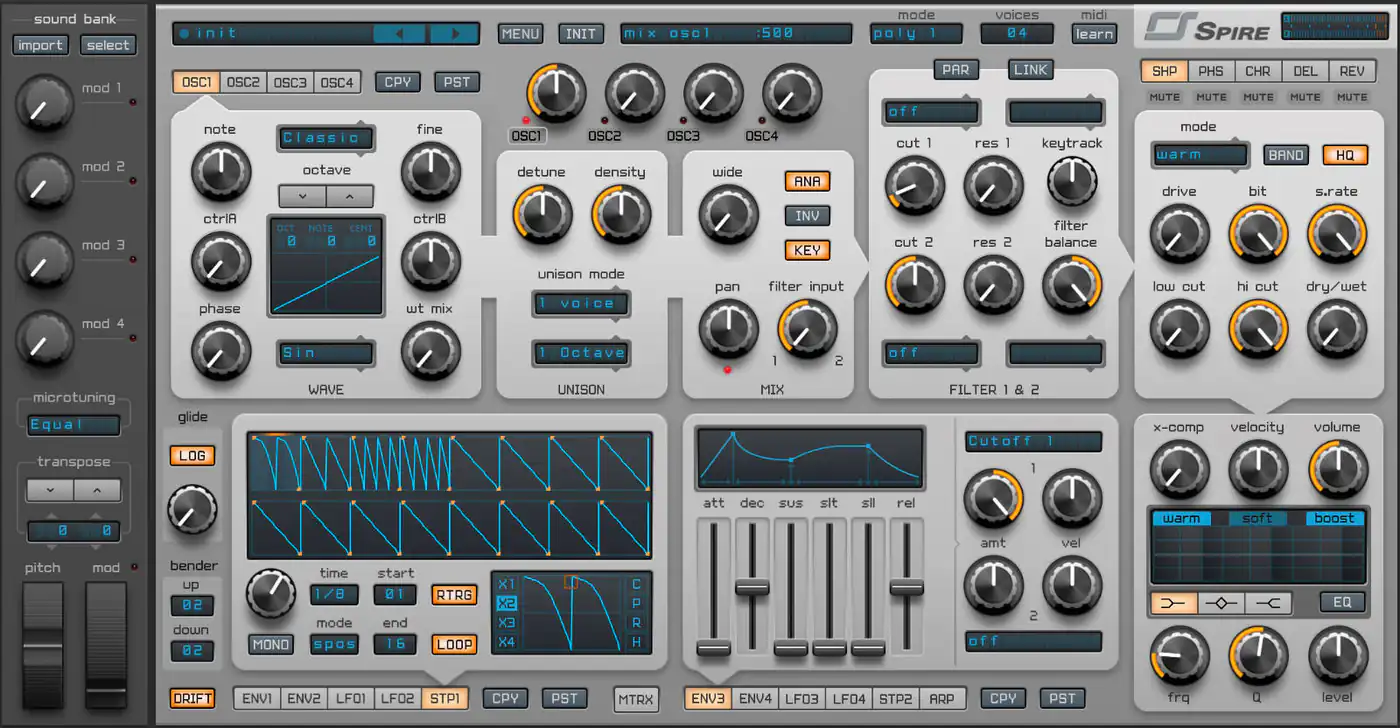
A hands-on review of Spire: four multimode oscillators, wild filters, simple but great-sounding effects and deep modulation, from someone who uses it on most tracks.