Gear & Reviews
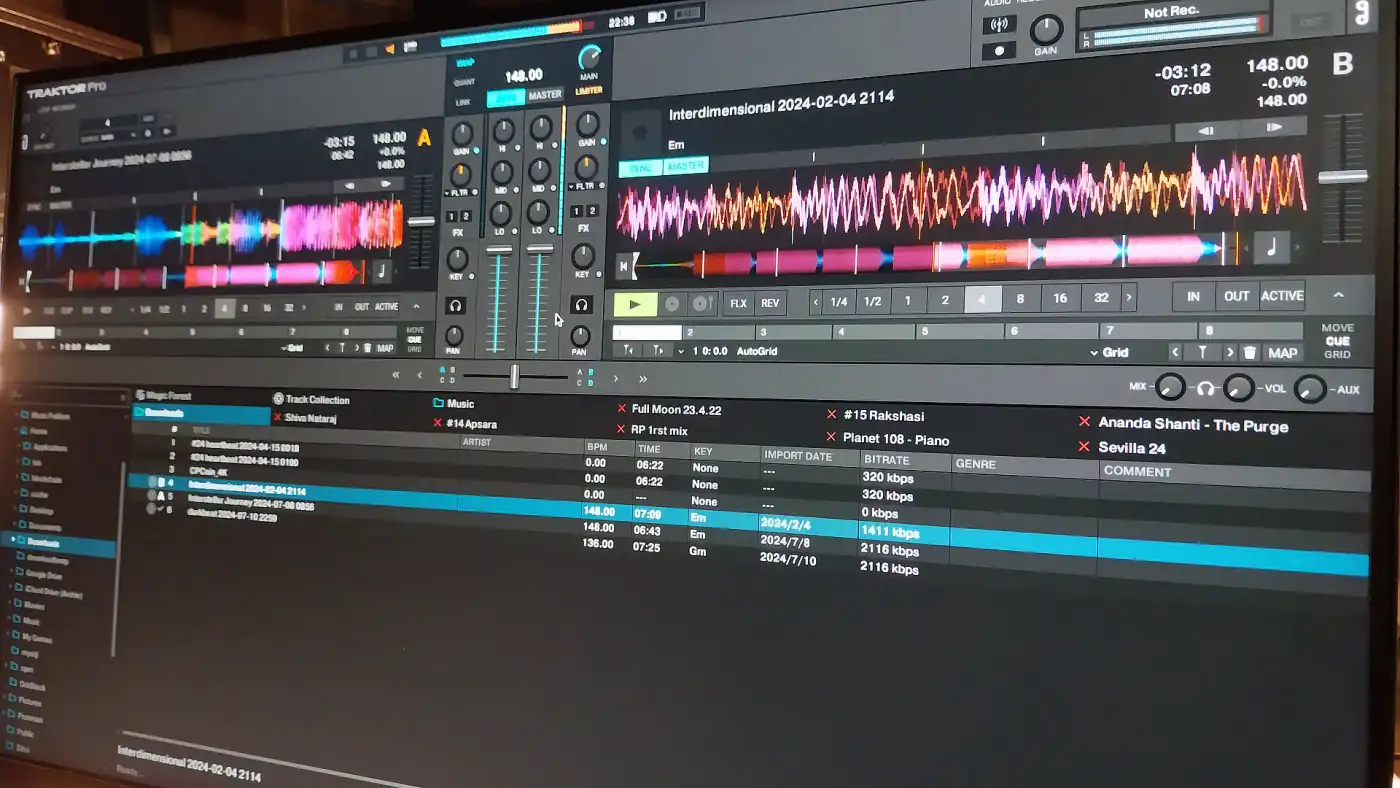
Traktor DJ software: a technical look
Decks and stem modes, sync and beatgrid, effects, loops, DVS and MIDI mapping: what Native Instruments’ Traktor can do and how its main features work.
Four logs from a field station: a signal at 142 BPM, two carriers, a crop circle. And in the end an instrument that fits in a browser tab.
Self-promotion · VibeField Labs, Department of Field Research
03:42 UTC. The field station's antennas spike. Above Psychedelic Island hangs a signal that matches no known source.
Two carriers, clearly separate. One blue, one amber. They do not run side by side. They circle each other.
Tempo measured: 142 BPM, constant since recording began. Origin unknown.
We keep recording. Next report as soon as anything changes.
23:17 UTC. Day 10 of recording. The signal does not behave like a transmission. It answers.
When the blue carrier holds the low frequencies, it hands them over to the amber one, band by band. Bass first, then the rest. Nothing gets lost, nothing overlaps.
Where the two carriers touch, a pattern forms. On the screen it looks like a crop circle.
A colleague says this is what a perfect transition sounds like. We log that without comment.
05:58 UTC. Day 19. We have found the source and opened it.
It is not a signal. It is an instrument. Two decks, one blue, one amber. Between them a field that shows which frequency comes from which deck.
It needs no installation and no account. The music you put in never leaves your own computer.
It fits in a browser tab. How it does that, we do not know yet. Handover to the island in preparation.
00:00 UTC. Landing confirmed.
The instrument has been handed over to the island. From now on anyone can make contact: open a browser tab, drag in two tracks, mix. No download, no account.
Its name is VibeField DJ.
Every transition leaves a crop circle. We can't wait to see yours.
Decks and stem modes, sync and beatgrid, effects, loops, DVS and MIDI mapping: what Native Instruments’ Traktor can do and how its main features work.
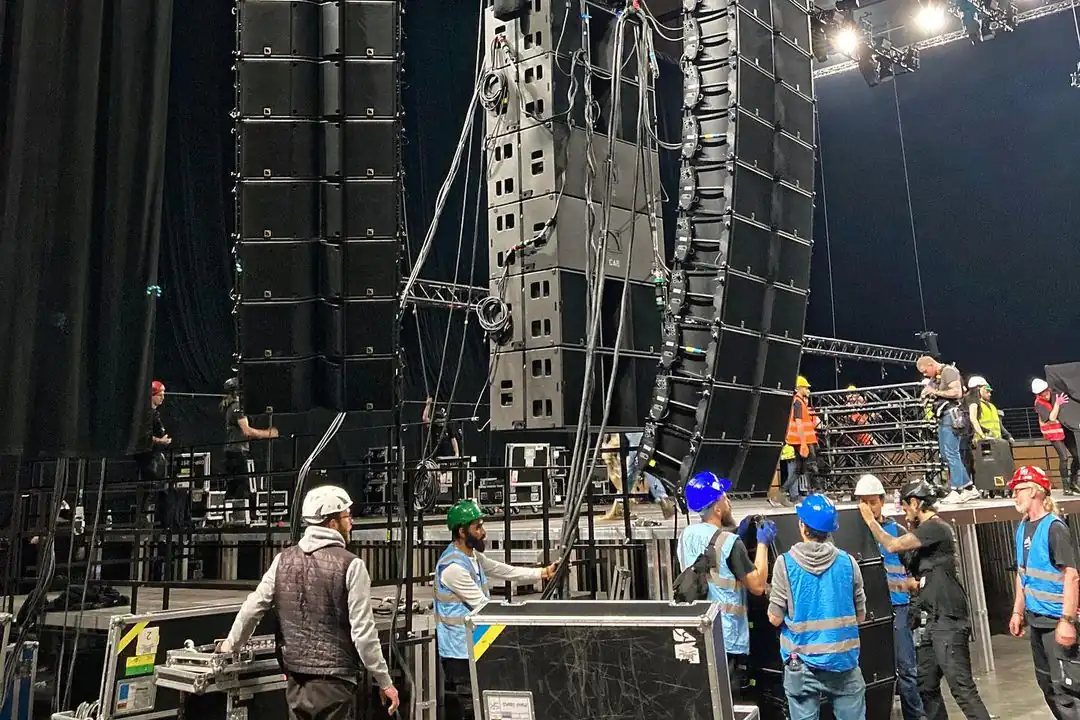
L-Acoustics, d&b audiotechnik, Funktion-One, Meyer Sound and JBL: what each festival sound system brand stands for, what psytrance festivals use, and what makes a rig sound good.
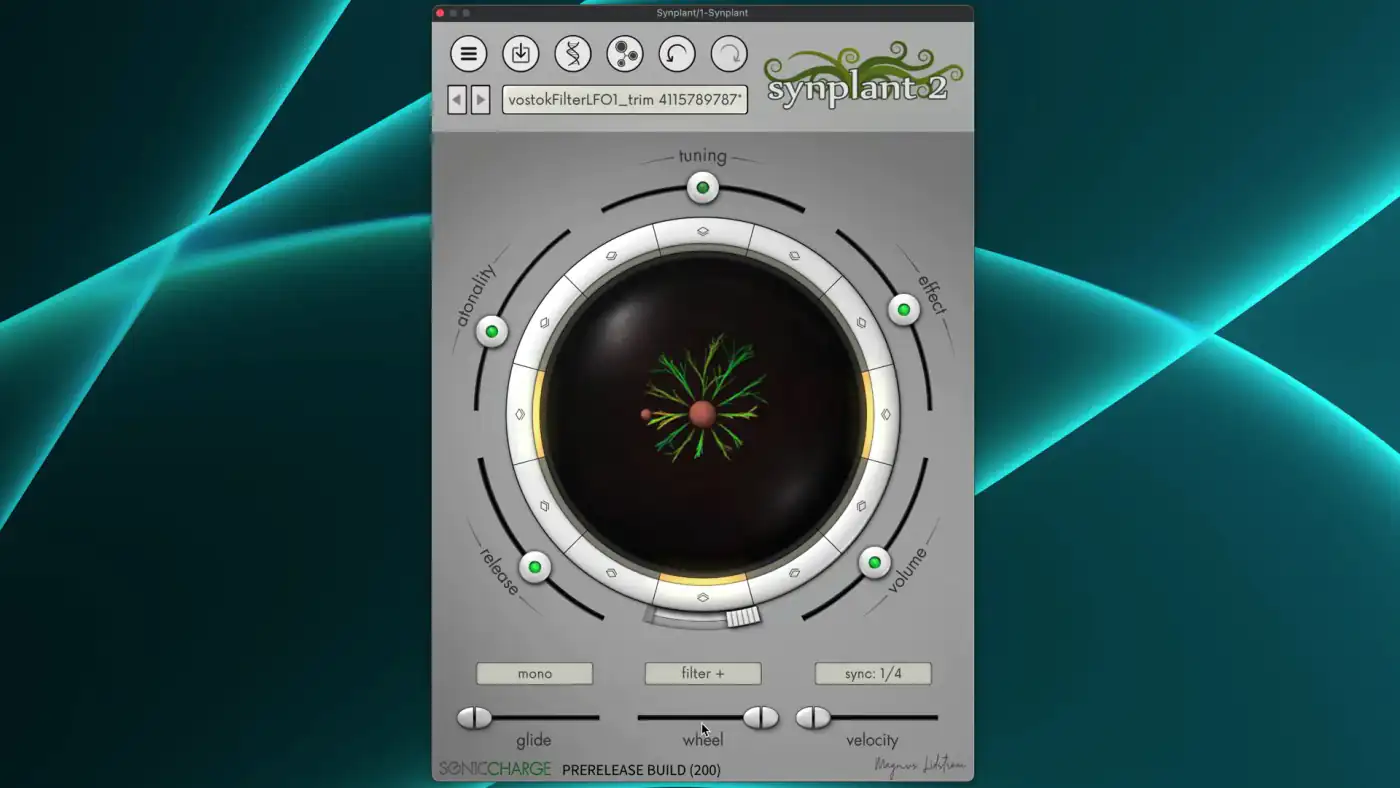
Synplant 2 uses AI to turn recordings into synth patches and lets you grow new sounds from seeds. How it works, what's included and how easy it is to use.