
Music Production
Odd time signatures in psytrance: how to use them
Psytrance runs on 4/4, but odd meters can add tension: how to layer odd patterns over a straight kick, vary rhythms and place odd-meter sections in a track.
The groove, the right software, sound design basics, core techniques, and how to arrange and mix a psytrance track: a compact overview for new producers.
Psytrance looks simple from the outside: a fast kick, a rolling bass and a lot of synth sounds on top. Making it work is another story. This overview covers the basics you need to get started, from the groove to software, sound design, arrangement and mixing.
Psytrance usually runs at roughly 135 to 150 BPM. The kick lands on every beat and drives the track, while the bass fills the gaps between the kicks. That interplay creates the typical rolling groove that keeps a dance floor moving.
On top of that come synthesizers: leads, arpeggios, atmospheric pads and lots of effects. Filters (low-pass and high-pass) shape the sounds over time and build tension towards drops. Field recordings or ambient sounds can add texture, as long as they support the groove instead of covering it.
Just as important is the arrangement. A psytrance track lives from tension and release: intro, build-ups, drops, breakdowns and outro, with risers, breaks and changes in rhythm that keep the listener's attention.
Popular DAWs among psytrance producers include Ableton Live, FL Studio and Cubase. Ableton is known for its fast workflow and live use, FL Studio for its step sequencer and big community, Cubase for its strong MIDI features. All three can produce professional psytrance, so pick the one whose workflow suits you and learn it well, including the shortcuts. In Ableton, for example, the session view is handy for trying out loops and ideas, while the arrangement view is where you build the full track.
For sounds, software synths like Serum and Sylenth1 are widely used and cover everything from basslines to leads. For effects, reverb and delay plugins such as Valhalla Room and EchoBoy are popular. Genre-specific sample packs can fill gaps in percussion or effects, and tutorials, courses and forums help you learn faster.
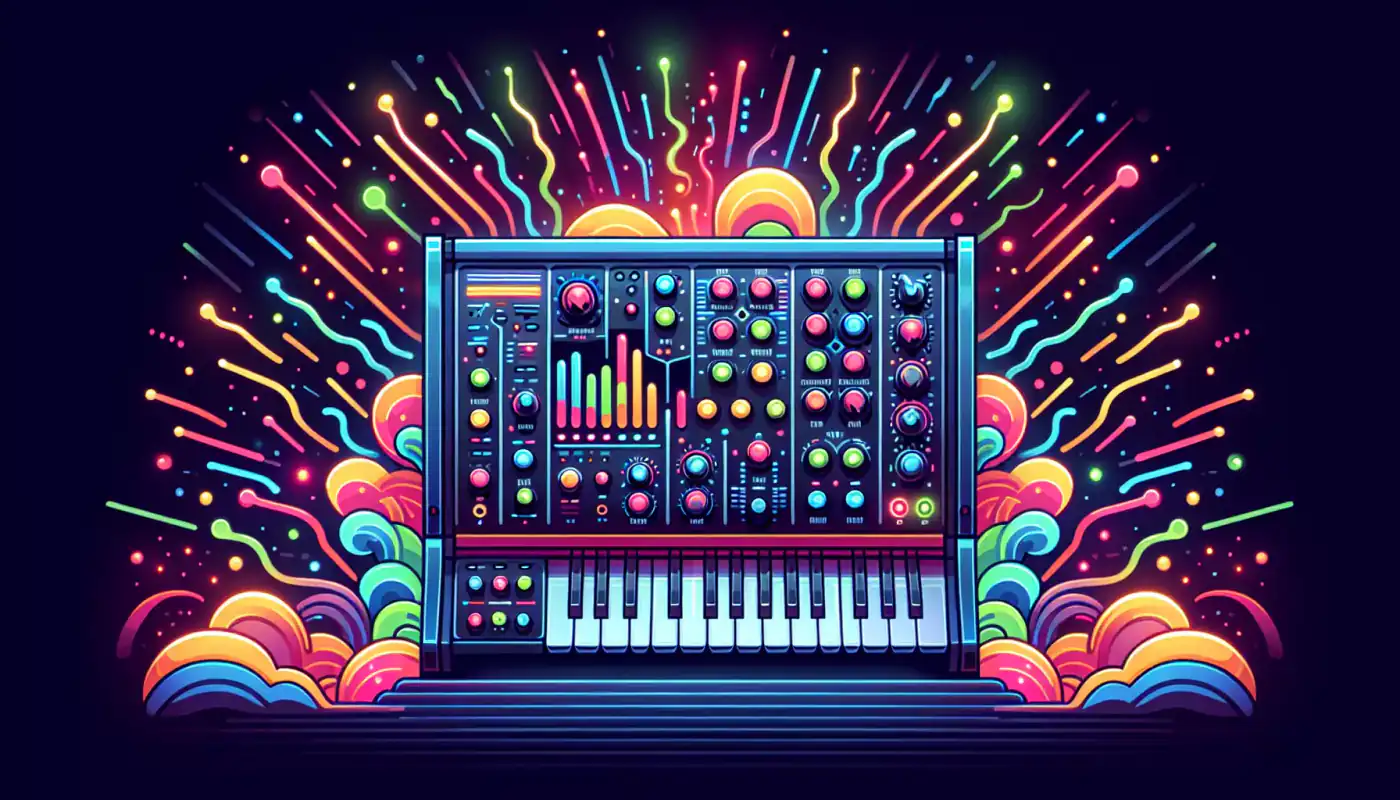
Most psytrance sounds are made with subtractive synthesis. Start with a saw or square wave, then use a filter to shape it. Resonance emphasizes the frequencies around the cutoff and gives the sound character. An LFO or envelope on the cutoff adds movement, which is essential for the restless, shifting feel of the genre.
The envelope (attack, decay, sustain, release) decides how a sound develops over time. A fast attack with a short decay gives snappy, plucky sounds for arpeggios and basses. A slow attack makes soft, wide pads.
For the bass, many producers combine a sine wave for the sub with a saw for the bite. Keep the notes short so they don't overlap with the kick. Recorded sounds such as voices, birds or acoustic instruments can be stretched or processed with granular tools to blend them into the track.
A typical structure has an intro, a build-up, a drop, a breakdown, a second build-up and drop, and an outro. The intro sets the mood and gives DJs room to mix; a filtered kick that slowly opens up works well here. In the build-up, add percussion, new melodic lines and risers, and automate filters to raise the energy. In the drop, kick and bass take over. The breakdown strips the track back to atmosphere and melody and lets the listener breathe before the next build-up. The outro removes layers again, step by step.
When mixing, start with levels: kick and bass carry the low end, everything else sits around them. Use EQ to give each element its own space; if kick and bass clash, trim the low end of one of them. Use reverb and delay in moderation and decide which elements should sound close and which further back. Then listen to the whole track from start to finish, because a good mix is one where everything still sounds clear in the busiest part of the drop.
Psytrance runs on 4/4, but odd meters can add tension: how to layer odd patterns over a straight kick, vary rhythms and place odd-meter sections in a track.

What producers can take home from a psytrance festival: crowd reactions, a wide range of styles, useful contacts, lessons from established artists and hands-on workshops.

Stuck in an empty project? Field recordings, other genres, your own tools, collaborations and the dance floor are all good places to find new ideas.