Music Production
The best plugins for psytrance production
What makes a plugin useful for psytrance, popular synths like Serum, Massive X and Omnisphere, effects for movement and space, and the tools for mixing and mastering.
What a high-pass filter does, how it keeps a psytrance mix clean, and how to use cutoff sweeps and modulation for movement and tension, section by section.
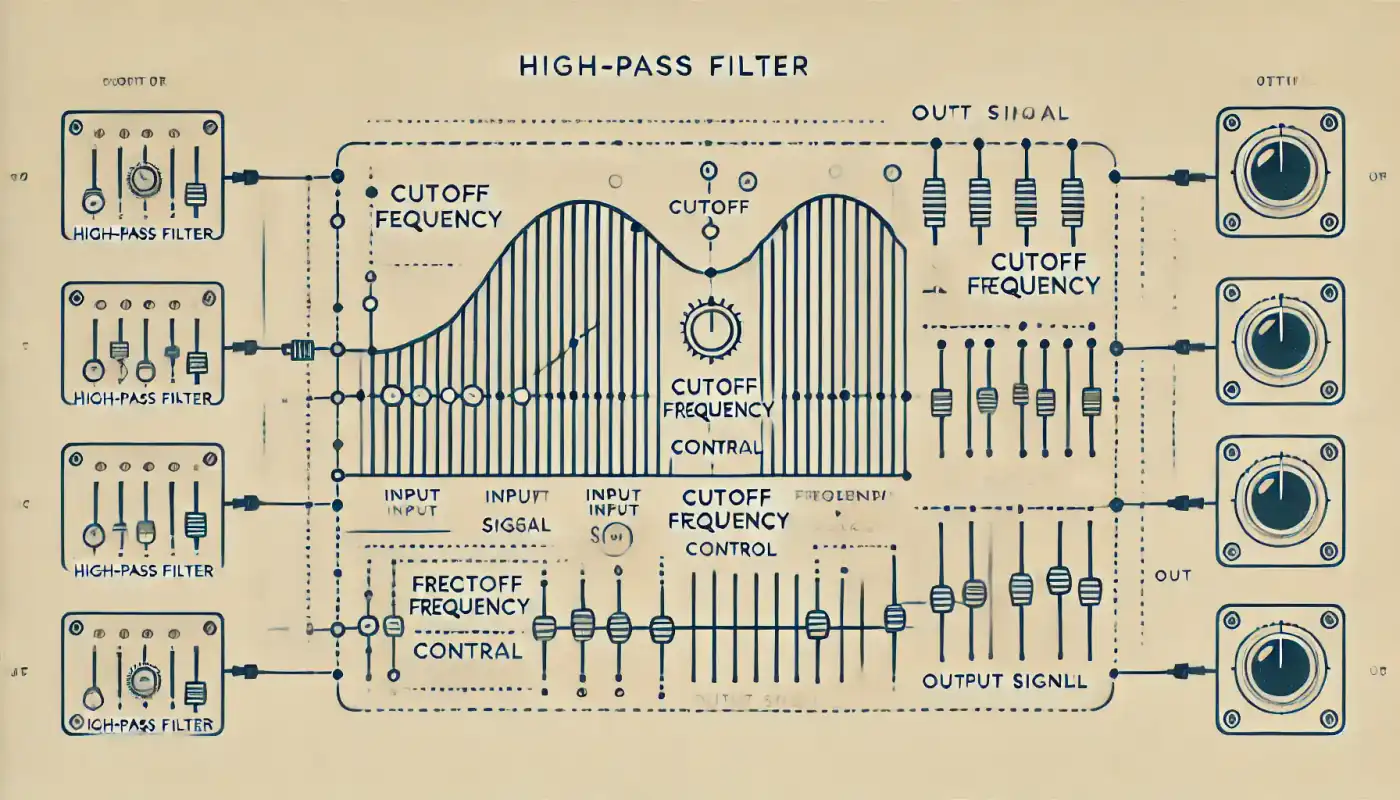
Psytrance lives on fast tempos, layered melodies and a deep, driving low end. To keep all that clear, one tool shows up on almost every channel: the high-pass filter. Here is what it does, how to use it creatively, and where it fits in a typical track.
A high-pass filter (HPF) lets frequencies above a set point pass and reduces everything below it. Three settings define how it sounds:
On percussion, a high-pass filter removes low-end mud so every hit stays clean and sharp, which is what makes psytrance rhythms punchy. On leads and arpeggios, it cuts low frequencies they don't need and keeps them bright and present. Across the whole mix, filtering the low end out of everything that doesn't need it leaves room for the kick and bass, so each sound gets its own space.
Sweeping the cutoff is one of the classic psytrance moves. Raising it slowly makes a sound or the whole mix thin out and builds anticipation before a drop. Modulating the cutoff with an LFO or an envelope brings static sounds to life and adds rhythmic movement in time with the track.
Start with pads through a high-pass filter for a light, airy texture, and lower the cutoff gradually to add body as the track develops. Bring in percussion with high-pass filtering so it sounds clear and detailed without crowding the mix.
Keep kick and bass powerful by high-passing the other elements. Use filter modulation on leads and arpeggios so the melodies keep evolving.
Sweep a high-pass filter upwards, for example on the master bus, for a cohesive sense of anticipation. Filter reverb and delay tails for smooth transitions without low-end build-up.
When the drop hits, open the filter and let the full frequency range through for maximum impact. Keep the low end off the leads so they leave room for the bass.
High-pass filters are among the most useful tools in psytrance production, both for keeping a mix clean and for creating movement and tension. As with any tool, use them musically and on purpose: every filter should make the track better, not just busier.
What makes a plugin useful for psytrance, popular synths like Serum, Massive X and Omnisphere, effects for movement and space, and the tools for mixing and mastering.
Four-on-the-floor, rolling bass, triplets and polyrhythms: how psytrance rhythm is built, how it developed and how to make yours stronger.

Know your listeners, build a home base, use social media with a plan, turn listeners into fans, work with labels and promoters and watch the right numbers.